Best password manager apps: our pass-fail security verdict
The password-manager market is selling reassurance at a premium. Some apps charge more each year, pile on dark-web alerts and VPN bundles, then leave the basic job unchanged: generate unique…
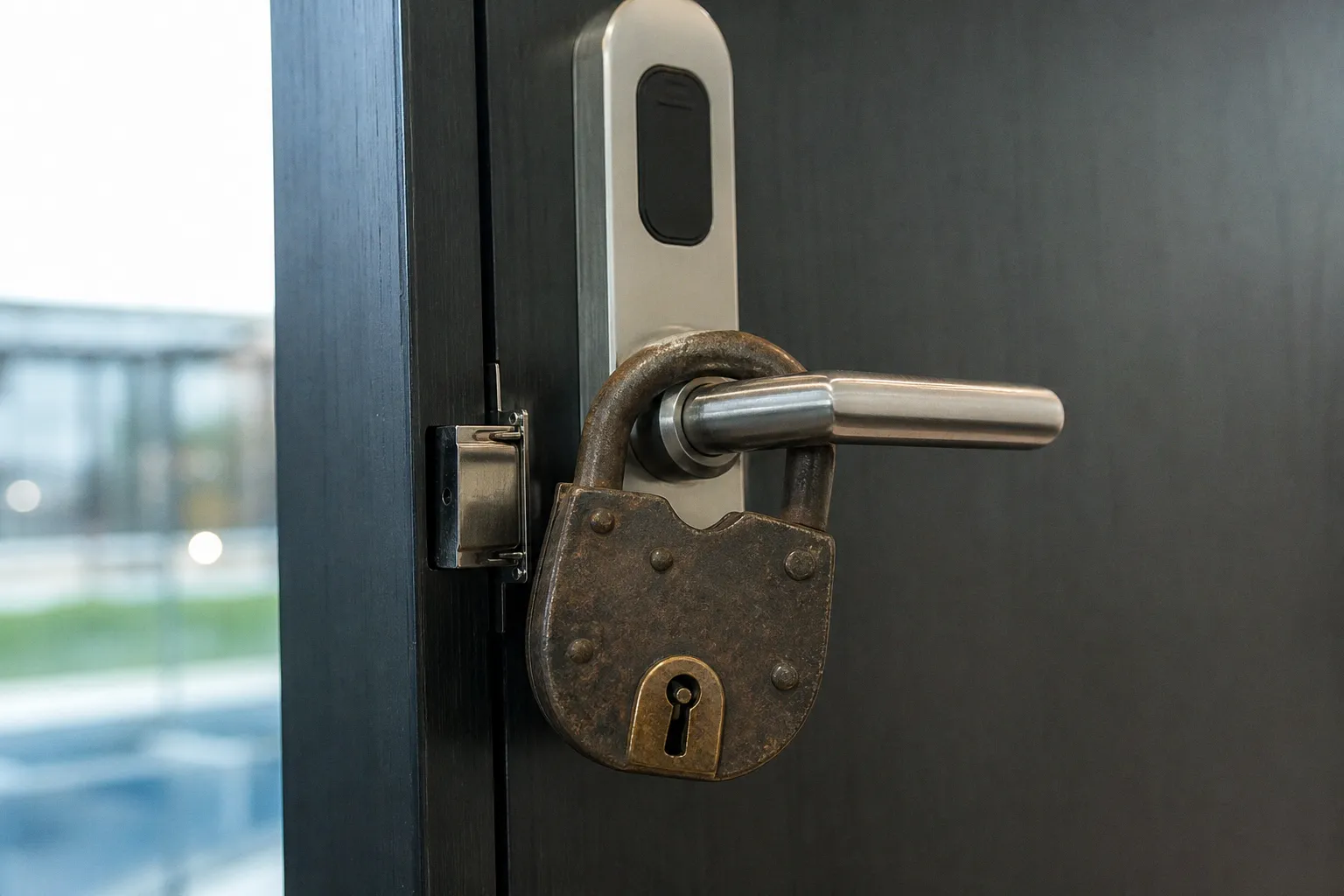
The password-manager market is selling reassurance at a premium. Some apps charge more each year, pile on dark-web alerts and VPN bundles, then leave the basic job unchanged: generate unique credentials, encrypt them properly, and make them available on every device without turning your vault into a corporate data-mining exercise.
That basic job matters because stolen credentials remain involved in nearly one-third of data breaches, while 65% of users still reuse passwords across services. A reused login is not a minor hygiene issue. It is inventory for credential-stuffing attacks.
The best password manager apps in 2026 are not necessarily the ones with the loudest security dashboard. The pass mark is simpler: zero-knowledge design, strong encryption, independent scrutiny, usable mobile apps, passkey support, and a price that does not punish you for wanting basic cross-device access.
Password rotation is dead. Long passwords are not.
The 90-day password reset was one of security’s most durable bad products. It created predictable changes—Summer2025! becoming Fall2025!—and taught people to hate security controls for good reason.
NIST’s September 2024 revision of SP 800-63B-4 formally ended the practice for ordinary accounts. Organizations should not require periodic password changes unless there is evidence that a password has been compromised. The old rule was withdrawn for good in August 2025.
That does not mean passwords stopped mattering. It means the economics changed.
A secure password manager review should start with this question: does the service help you create a unique, randomly generated password of 20 or more characters for every account? If it does, it is solving the real problem. If it nudges you toward clever variations on old credentials, it is selling a retro security model.
The common password 123456 can be cracked in less than one second with modern brute-force tools. That fact is not interesting. The more useful fact is that a 20-plus-character random password is not meant to be remembered, typed from memory, or changed every quarter. It is meant to stay inside an encrypted vault and be replaced only after a breach, a phishing event, or a suspected compromise.
Password rotation was a compliance ritual. Unique credentials are an actual defense.
This is also why the best password manager apps are now passkey managers as much as password managers. Passkeys reduce exposure to phishing because there is no reusable password for a fake site to collect. The transition will take years. Your vault still needs to handle passwords well in the meantime.
The security floor: zero knowledge, not a reassuring logo
“Military-grade encryption” is marketing sludge. AES-256 is widely used, strong, and relevant—but the algorithm printed on a pricing page does not settle the case.
The question is whether the provider can read your vault.
A properly designed zero-knowledge password manager encrypts the vault locally. The company stores encrypted data, but should not possess the information needed to decrypt your passwords. Your master password remains central. Lose it, and the provider should not be able to casually recover your vault. That is inconvenient by design.
Here is the practical split among leading options.
| Service | Encryption approach | Core value | Verdict |
|---|---|---|---|
| Bitwarden | AES-256 | Open-source model; free unlimited passwords on unlimited devices | Pass |
| 1Password | Strong encrypted vault architecture | Travel Mode for removing selected vaults from devices | Pass, for privacy-sensitive users |
| NordPass | XChaCha20 encryption | Modern cryptographic design and polished consumer workflow | Pass, subject to price discipline |
| RoboForm | Encrypted password vault | Low entry price at $0.99 per month for Premium | Conditional pass |
| Keeper | Encrypted vault with family-focused extras | 10GB secure storage on Family plan | Conditional pass |
| Dashlane | Encrypted password vault | Broad consumer feature set | Fail on value at full annual price |
Bitwarden stands out because it is the only major top-tier option that is fully open source and offers unlimited passwords across unlimited devices on its free tier. That is not a small distinction. Cross-device sync is the foundation of a password manager. Treating it as a premium add-on is artificial markup.
Dashlane’s individual plan starts at $64.99 annually after its 2025 pricing increase. At that level, it is no longer competing only on security. It is asking you to accept a major price premium for a category where credible alternatives already offer the essential protections.
Do not confuse open source with automatic invulnerability. No password manager is unhackable. A vault can still be exposed through malware, a stolen unlocked device, phishing against the user, or a compromised endpoint. A password manager is a high-value target. That is precisely why transparent security design, audits, and prompt patching matter.
Credential stuffing is the threat that changes the math
Most people do not need a password manager because they cannot invent passwords. They need one because human memory creates password reuse.
Credential stuffing is the business model built around that weakness. Attackers take username-password pairs leaked from one service and test them against banking apps, streaming accounts, retailers, email providers, and cloud services. They do not need to crack a new password if you already recycled the old one.
A competent vault breaks that chain in four ways:
1. It generates random credentials instead of memorable ones. A password like g7!xQm... is ugly. Good. Its job is not to be charming. Its job is to be unique.
2. It fills credentials only on the correct domain. Autofill is not merely a convenience feature. Used carefully, it can help flag lookalike phishing pages that do not match the saved login address.
3. It identifies weak and reused entries. The useful report is not the one that scares you with a red dashboard. It is the one that points to the three reused passwords protecting your email, primary retailer, and old cloud account.
4. It supports passkeys as services adopt them. Passkeys are not magic, and a cloud-hosted password vault is not equivalent to a hardware-based FIDO2 authenticator in the security hierarchy. But passkeys materially reduce the value of phishing pages and stolen password databases.
The mobile angle is where many password manager app comparisons become dishonest. A desktop vault that works beautifully in browser extensions but fails inside mobile apps is incomplete. Your phone is where you approve purchases, receive recovery codes, sign into banks, and reset email passwords. Test autofill in the actual apps you use before paying for a year.
A manager that needs constant manual copying on iOS or Android will eventually be bypassed. Then the subscription has depreciated to a false sense of security.
The cost-per-year test exposes weak deals
Password managers are low-cost software products. The infrastructure bill is real, but it does not justify every premium tier. The correct way to assess one is cost per protected year, not a flashy monthly price or a temporary discount banner.
RoboForm Premium at $0.99 per month works out to roughly $11.88 per year before taxes. That sets a useful low-end reference point. It does not mean every user should choose RoboForm. It means vendors charging five or six times as much need to show a concrete benefit: better device support, family sharing, privacy controls, recovery design, or a feature you will actually use.
Dashlane at $64.99 annually costs about $5.42 per month. Over three years, that becomes nearly $195 before tax, assuming no further price increases. That is a lot of money for credential storage when Bitwarden’s free tier already covers unlimited passwords and unlimited devices.
| Buying profile | Sensible choice | Cost logic |
|---|---|---|
| One person who needs core vault sync | Bitwarden Free | $0 for unlimited passwords across unlimited devices |
| One person who wants a low-cost paid tier | RoboForm Premium | Low annual outlay; assess mobile workflow first |
| Household that needs storage alongside vault access | Keeper Family | The 10GB secure-storage allocation may justify the bundle |
| Frequent international traveler with sensitive accounts | 1Password | Travel Mode is a specific, defensible premium feature |
| Buyer attracted by “all-in-one” extras | Dashlane | Wait; $64.99 annual pricing needs a substantial justification |
The expensive-plan trap is feature bundling. A vendor attaches dark-web monitoring, a VPN, identity tools, or storage and makes the higher MSRP look inevitable. Often it is not. Dark-web monitoring may tell you an old email address appeared in a breach. It cannot undo password reuse, remove malware from your laptop, or stop a fake support agent from talking you into revealing a recovery code.
Pay for a bundle only if you would independently pay for its parts. Otherwise, it is a bundle designed to raise average revenue per user.
A password manager is worth paying for when it removes friction. It is overpriced when it sells fear you could have avoided for free.
Privacy features that are not just decorative
The strongest differentiators are usually narrow features built for a real risk.
1Password’s Travel Mode is the clearest example. It lets you temporarily remove selected vaults from your devices when crossing borders. You can restore them later. For a journalist, executive, researcher, or anyone carrying sensitive account access across a border, that is not a cosmetic setting. It reduces what is present on the device during an inspection.
Most users will never need it. That is fine. A feature does not have to be universal to be valuable. It simply has to solve an expensive problem for the people who have it.
For everyone else, privacy starts with less glamorous habits:
- Use a long, unique master password. Do not recycle it anywhere. Not even on a “low-risk” account.
- Turn on multi-factor authentication for the password manager itself. Prefer an authenticator app or hardware security key where supported over SMS.
- Keep recovery methods current. An old phone number and a dead backup email are not a recovery plan.
- Review vault access after changing phones, selling a laptop, or ending a shared family arrangement.
- Treat browser extensions as powerful software, because they are. Install the official extension. Remove abandoned alternatives.
This is where safe password managers in 2026 separate from mere password notebooks. Encryption is necessary. Account recovery, device handling, mobile autofill, and practical privacy controls determine whether that encryption survives contact with normal life.
The pass-fail verdict
Bitwarden is the market’s value benchmark. Its open-source approach, unlimited free cross-device password storage, and lack of a forced paywall around the core product make it hard to beat for ordinary users. It is the default recommendation for anyone who wants a serious vault without accepting a recurring charge before proving they need one.
1Password earns its premium position when privacy controls, polished workflows, and Travel Mode matter to you. It is not a universal value winner, particularly after its March 2026 price increase, but it has a defensible use case beyond generic password storage.
NordPass passes the technical smell test with XChaCha20 encryption and a modern consumer design. Its price still needs scrutiny at checkout. Do not prepay out of brand recognition alone.
RoboForm is the budget paid option. At $0.99 per month for Premium, the financial risk is modest. The correct test is whether its browser and mobile behavior works with your daily stack. Cheap software that creates friction is not cheap for long.
Keeper can make sense for families that will use the included secure storage. If that storage goes untouched, you are funding a bundle rather than buying a password manager.
Dashlane fails the value test at its $64.99 annual individual starting price. It may be competent software. Competence is the entry requirement, not a reason to accept premium pricing. Its MSRP sits too far above the functional floor established by Bitwarden and lower-cost paid alternatives.
Click buy now if you need a vault today and Bitwarden Free covers your devices. Pay for 1Password, NordPass, RoboForm, or Keeper only after testing autofill, recovery, and sharing on the devices you actually use. Wait on Dashlane unless the annual price drops enough to erase its premium—or a feature you will use every week makes the higher cost measurable.
That is the whole market in one line: pay for a specific advantage, not a security-themed sales pitch.