Best smart lighting systems: smart bulbs vs switches
bs vs Switches…
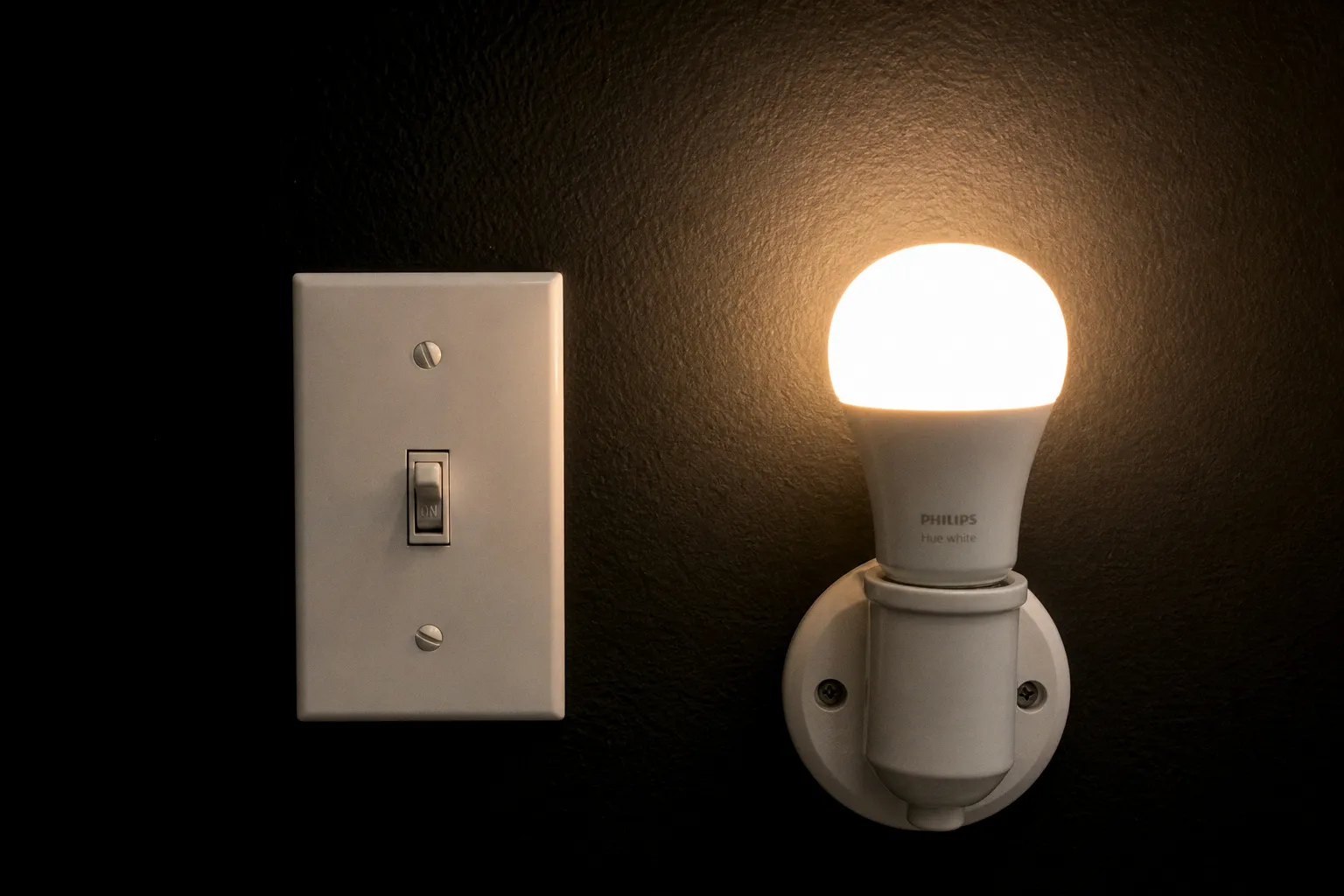
A $40 smart bulb installed in a ceiling fixture stops responding the moment someone flips the wall switch. The wireless radio loses power, the app loses the device, and the automation you configured freezes. This is the most common failure mode in residential smart lighting, and the fix is not a firmware update. It is a different category of hardware. The choice between smart bulbs and smart switches is not a matter of taste; it is a matter of architecture, and the architecture you pick will determine cost, reliability, and longevity for the next decade.
The Longevity Gap: Why Smart Switches Outlast Bulbs
Every connected bulb carries three components that degrade on a fixed timeline: a wireless radio, a microcontroller, and a power supply. Each of those runs hot every time the bulb illuminates. Smart switches carry the same radio and controller, but the high-heat load is handled by the bulb in the fixture, which can be a $1 LED rated for 15,000 to 25,000 hours.
The numbers tell the story. Smart switches installed in a residential wall box last 10 to 20 years or more, depending on the brand and the box environment. Smart bulbs require replacement every 3 to 5 years, often sooner when used in enclosed fixtures that trap heat. When a smart bulb reaches end-of-life, you replace the entire radio stack. When a smart switch reaches end-of-life, the LED bulbs in the ceiling keep working.
Smart switches are a 15-year fixture. Smart bulbs are a 3-year consumable.
This single number reshapes the cost equation. At $45 to $70 per smart switch and $10 to $50 per smart bulb, the per-year cost of a switch approaches $3 to $7 if you spread it across a decade. A bulb replaced every four years at $25 to $40 actually costs more per year of service, and you also pay the installation labor each cycle.
If you are building a whole-home system, the longevity math favors switches for any circuit that runs daily. Bulbs make sense for accent fixtures, lamps, and locations where the wall switch is rarely touched.
Power Dynamics and the Neutral Wire Installation Hurdle
Before you install a smart switch, you need to confirm one thing: the presence of a neutral wire in the switch box. Most smart switches require a constant source of power to run the radio and controller, which means the switch needs both the line wire (always hot) and the neutral wire (always returning to the panel). The switch cannot simply interrupt the hot leg the way a dumb switch does.
Homes built before the 1980s often lack a neutral wire in the switch box. The electrical code shifted around that decade for grounded circuits, and many older homes were wired with switch loops that used the white wire as a switched hot rather than a neutral. If you open the switch box and only see two wires plus ground, you likely do not have a neutral.
For that wiring environment, the options narrow. Lutron Caseta is the most established no-neutral solution on the market, with dimmers and switches such as the PD-5WS-DV that run on a proprietary Clear Connect radio and draw power through the load itself. The tradeoff is that you must purchase within the Lutron ecosystem, and the patent structure limits widespread third-party no-neutral hardware. A smaller number of Z-Wave and Zigbee switches also support no-neutral installs, but ecosystem support is thinner.
What to Check Before You Buy a Switch
1. Open the switch box cover and confirm the presence of a white wire bundle tied to other neutral conductors. If you see only black, red, and ground, plan for a no-neutral-compatible product or budget for an electrician to pull neutral.
2. Verify the circuit amperage. Most smart switches are rated for 15A or 600W LED, which covers standard residential lighting. Low-voltage circuits, fans, or multi-way setups require specific models.
3. Confirm your hub or platform supports the switch's radio. Lutron requires a Lutron Smart Bridge. Z-Wave switches need a Z-Wave hub. Matter-over-Thread switches need a Thread border router.
4. Identify all switch locations in a multi-way circuit. You will need a smart switch at the line side and either a matching companion switch or a smart bulb at the remote location.
If any of these checks fail, you can bypass the issue by switching strategy entirely: revert to dumb switches and use smart bulbs at the fixtures. The switch then stays manual, and the bulb carries the connectivity.
Color Customization Versus Whole-Circuit Control
Smart bulbs dominate one category: color. Most color-capable smart bulbs deliver 16 million colors and a tunable white range from roughly 2200K to 6500K. Smart switches, by contrast, can only adjust brightness and color temperature for bulbs that have those capabilities built in. If you screw a standard LED into a smart switch, you get on, off, and dim, and that is the ceiling.
This is where the architectural choice matters. If you want color scenes in a media room, accent lighting along a bar, or a circadian warm-to-cool transition in a bedroom, the bulbs win on capability. If you want every fixture in a hallway or bathroom to behave identically and respond to a single wall control, the switch wins on uniformity.
A blended approach is the most common real-world deployment. Smart switches on the main circuits (entryways, kitchens, bathrooms, hallways, exterior lights) and smart bulbs in lamps, accent fixtures, and rentals where the wall switch is off-limits or shared. The switch handles the high-traffic, high-reliability circuits. The bulb handles the mood and color work.
Compatibility Matrix for Common Setups
| Use Case | Better Choice | Reason |
|---|---|---|
| Whole-home rewiring project | Switch | 10–20 year lifespan, whole-circuit control |
| Rental apartment, sealed switches | Bulb | No wiring changes, lamp-based install |
| Media room or accent lighting | Bulb | 16M colors, tunable white range |
| Exterior or security lighting | Switch | Schedules survive bulb replacements |
| Multi-gang box with limited depth | Switch | One switch controls the entire box |
| Voice assistant scene control | Either | Match the platform your hub supports |
Standby Power Consumption and Long-Term Energy Costs
Both options draw power when the light is off. Smart bulbs typically consume 0.2 to 1.0 watts of standby power to maintain the wireless connection. Smart switches draw 0.5 to 1.5 watts. The switch consumes more because it powers a relay and a radio that are always on, while bulbs drop closer to passive levels when the LEDs are dark.
Run the math on a 20-switch home. Twenty switches at 1 watt each, 24 hours a day, 365 days a year, comes to 175 kWh. At the average U.S. residential rate of roughly $0.16 per kWh, that is about $28 per year in standby cost. Twenty bulbs at 0.5 watts each adds another 87 kWh, or roughly $14 per year. The combined standby load across a moderately connected home runs $30 to $50 per year, which is negligible compared to the cost of the hardware itself but worth noting for off-grid or solar-constrained installations.
The bigger energy question is behavior. Smart switches and smart bulbs both enable schedules, occupancy sensors, and away-from-home randomization that can cut lighting energy use by 20 to 40 percent in most households. The hardware pays for itself in energy savings within three to five years for high-traffic circuits.
Budget $30 to $50 per year for standby power across a fully connected home. The savings from automation usually exceed that number.
Ecosystem Reliability: From Philips Hue to Matter-Ready WiZ
The ecosystem behind the bulb or switch matters as much as the device itself. A device that loses cloud connectivity or abandons its app is effectively dumb in two years.
Philips Hue remains the most complete smart lighting ecosystem for whole-home setups. The Zigbee-based hub supports Apple Home, Google Home, Alexa, and SmartThings, and the bulb lineup is the broadest in the category. The price is premium, and remote control requires the Hue Bridge. For Hue, the trade is reliability and ecosystem depth against upfront cost.
WiZ Connected is the budget counterpoint. WiZ bulbs support Matter, offer 16 million colors, and do not require a hub. They pair directly with your home network or a Matter controller. The app is less polished than Hue, and the third-party integrations are narrower, but the price-to-capability ratio is the strongest in the category for renters and first-time buyers.
Lutron Caseta occupies a separate tier because of its radio protocol. Clear Connect is reliable, the no-neutral installs are unique, and the wall switch form factors are the most decorator-friendly in the category. If you are building a wired retro-fit in an older home and need no-neutral support, Lutron is the path of least resistance.
What to Check if the System Stops Responding
1. Confirm the bulb still has power at the wall switch. If the switch is a smart switch, check the app state. If the switch is dumb, confirm the bulb has not been manually switched off.
2. Reboot the hub or border router. For Hue, power-cycle the Bridge. For Matter, restart the Thread border router or the Wi-Fi access point.
3. Re-pair the device. Most platforms require a factory reset sequence: five on/off cycles for Hue, a side-button hold for WiZ, a rocker pull for Lutron.
4. Audit the platform connections. If third-party skills or integrations have expired, the device will appear offline in the voice assistant while remaining online in the native app.
Beyond device-level resets, you will need to audit the long-term access tokens your smart home hub has granted to third-party services. Stale credentials accumulate quietly and create attack surfaces that no firmware update patches. The same principle of access minimization applies if you also use decentralized applications: regularly reviewing and revoking smart contract approvals keeps dormant authorizations from outliving their purpose.
The Long-Term Position
If you own the home, plan to stay for ten years, and have neutral wires in your switch boxes, smart switches are the correct starting point. The per-year cost is lower, the lifespan is longer, and the system survives bulb replacements without losing automation. Color, scenes, and accent work belong in the bulb layer that sits on top of the switch backbone.
If you rent, do not have neutral wires, or want color and tunable white everywhere from day one, smart bulbs are the correct starting point. The Philips Hue line handles the premium end. WiZ Connected handles the budget end. Both work without rewiring.
The two systems are not mutually exclusive. The most resilient smart lighting layouts combine a switch backbone on the high-traffic circuits with a bulb layer on the accent and mood circuits. You will need to confirm compatibility between the switch radio and the bulb protocol, but with the Matter rollout now in full deployment, that layering is easier than it has been at any point in the past decade.
Plan the wiring backbone first. Add the bulbs where the colors matter. Audit the access tokens quarterly. That sequence keeps the lights on for the next fifteen years.